


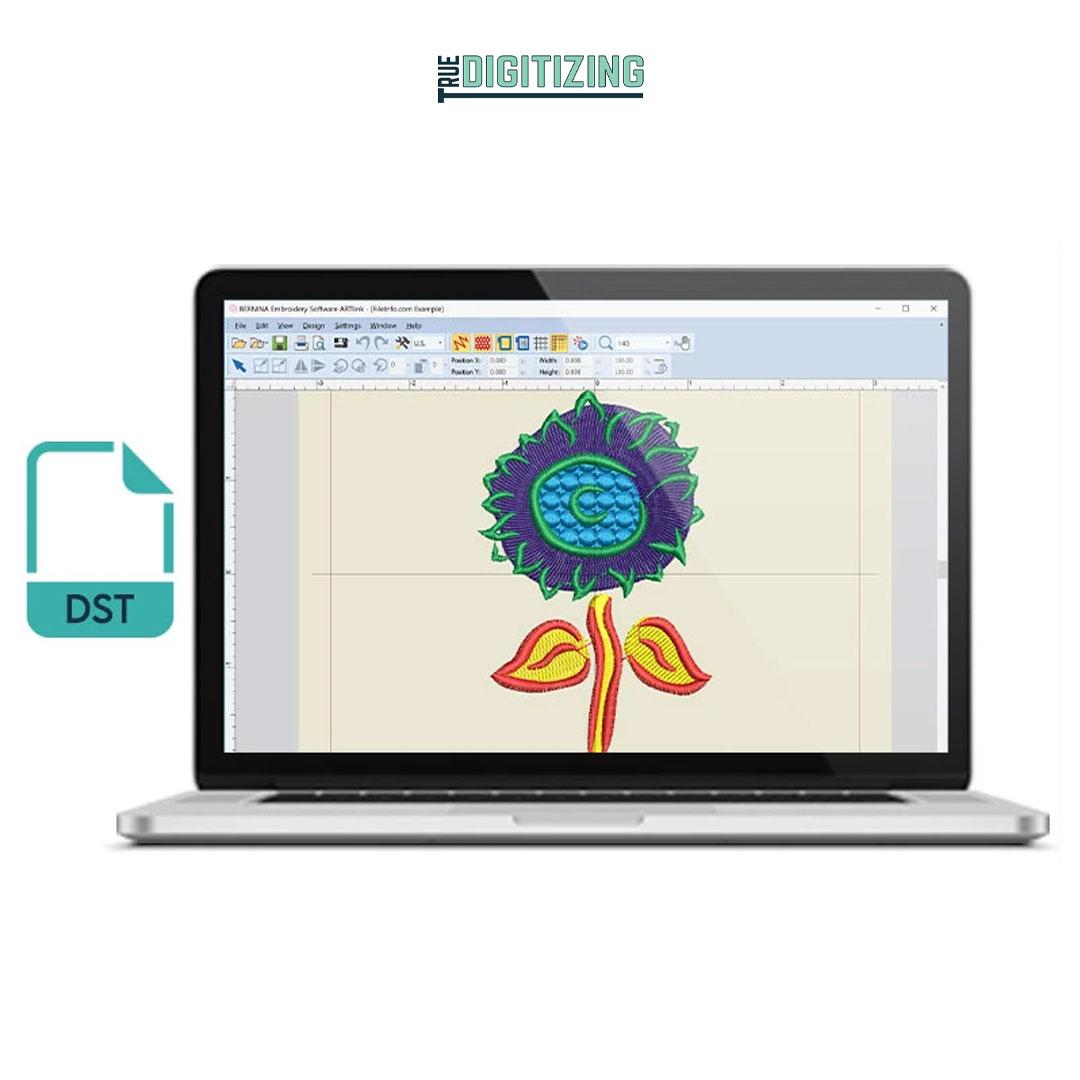
Embroidery has become an essential part of modern fashion, branding, and customization. From corporate logos on uniforms to personalized designs on caps, jackets, and bags, embroidery gives every product a professional and high-quality finish.
But behind every perfect embroidery design is something very important that most people don’t see—the embroidery file types used to run embroidery machines. These files act as instructions that tell machines exactly how to stitch a design.
Among all file formats, the most commonly used and widely accepted is the DST file for embroidery. It is one of the most reliable formats in the embroidery industry and is used by many commercial embroidery machines worldwide.
In this blog, we will explore embroidery file types, what DST files are, how they work, and why they are so important for professional embroidery results.
What Are Embroidery File Types?
Embroidery file types are special digital formats that contain stitching instructions for embroidery machines. These files are different from normal image files like JPG or PNG because they do not just show a picture—they guide the machine step by step.
Common embroidery file types include:
- DST (Tajima format)
- PES (Brother machines)
- JEF (Janome machines)
- EXP (Melco machines)
- VP3 (Husqvarna/Viking machines)
Each file type is designed for specific embroidery machines and software.
These files include important data such as:
- Stitch type
- Stitch direction
- Thread color sequence
- Stitch path
- Machine movement instructions
Without these file types, embroidery machines cannot understand how to stitch a design.
What Is DST File for Embroidery?
The DST file for embroidery is one of the most widely used embroidery file formats in the industry. DST stands for “Data Stitch Tajima,” and it is commonly used in commercial embroidery machines.
DST files are popular because they are:
- Simple and lightweight
- Compatible with most embroidery machines
- Reliable for large-scale production
- Easy to transfer and use
Unlike image files, DST files contain only stitch instructions, not color or visual design details. This makes them highly efficient for machine processing.
Why DST File for Embroidery Is So Important
1. Universal Compatibility
Most commercial embroidery machines support DST files, making them highly flexible.
2. Smooth Machine Performance
DST files are lightweight, which helps machines run smoothly without errors.
3. Ideal for Production Work
They are widely used in bulk production because they are stable and reliable.
4. Accurate Stitching Instructions
DST files provide clear instructions for stitch paths and movement.
Difference Between Embroidery File Types and Image Files
Many beginners think they can directly use images for embroidery, but that is not possible.
| Feature | Image Files (JPG, PNG) | Embroidery File Types |
|---|---|---|
| Purpose | Visual display | Machine stitching |
| Data | Pixels | Stitch instructions |
| Machine readable | No | Yes |
| Used in embroidery | No | Yes |
To convert images into embroidery file types, a process called digitizing is required.
What Is Embroidery Digitizing?
Embroidery digitizing is the process of converting artwork into embroidery file types such as DST, PES, or JEF.
This process includes:
- Creating stitch paths
- Selecting stitch types
- Adjusting stitch density
- Setting thread colors
- Optimizing machine movement
Without digitizing, embroidery machines cannot stitch designs correctly.
Importance of Proper File Types in Embroidery
Choosing the right embroidery file types is very important for quality results.
1. Machine Compatibility
Different machines require different file formats.
2. Design Accuracy
Proper files ensure designs are stitched correctly.
3. Reduced Errors
Correct file types reduce thread breaks and machine issues.
4. Better Efficiency
Machines run smoother with optimized files like DST.
How DST File for Embroidery Is Created
Step 1: Artwork Submission
The process begins with a logo or design.
Step 2: Design Analysis
The digitizer studies the design carefully.
Step 3: Digitizing Process
The design is converted into stitch instructions using software.
Step 4: Stitch Optimization
Adjustments are made for fabric and machine compatibility.
Step 5: Export as DST File
The final design is saved as a DST file for embroidery machines.
Benefits of DST File for Embroidery
- Works with most machines
- Easy to transfer and use
- Suitable for bulk production
- Reliable performance
- Fast machine reading
Common Uses of Embroidery File Types
- Corporate uniforms
- Sports team apparel
- Fashion clothing
- Caps and hats
- Promotional items
- Personalized gifts
Challenges in Using Embroidery File Types
- Incorrect file format selection
- Poor digitizing quality
- Machine compatibility issues
- Loss of design detail if not optimized
Why Human Digitizing Is Better Than Automatic Tools
Automatic tools often fail to create high-quality embroidery files.
Human digitizing ensures:
- Better stitch control
- Fabric-specific adjustments
- Clean and accurate results
- Professional-quality output
This makes human expertise very important in embroidery production.
Conclusion
Understanding embroidery file types and the DST file for embroidery is essential for anyone working in the embroidery industry. These files are the backbone of machine embroidery and ensure designs are stitched accurately and efficiently.
DST files are widely used because they are simple, reliable, and compatible with most machines. However, proper digitizing is always required to create high-quality results.
Whether you are a beginner or a business owner, learning about embroidery file types will help you improve your embroidery quality and avoid common mistakes.

 English
 Arabic
 French
 Spanish
 Portuguese
 Deutsch
 Turkish
 Dutch
Dutch
 Italiano
 Russian
 Portuguese (Brazil)
 Tiếng Việt